Creating a
Car Display Poster
For Your Alfa Romeo Using AI
By Chris Currier
Needing a display poster for a car show that my Spider and I were attending, where did I turn? AI, of course!
You need to be as specific as possible when you ask AI to do something. This is called a "prompt". For my car display poster, here is the AI prompt that I started with. I used Copilot, but any AI app or website that is capable of creating and accepting an uploaded image will do:
"Create a printable picture that highlights the specifications of the price at the time, the amount made, and the engine and car specifications of the 1978 Alfa Romeo Spider Veloce. Use a white model in the picture also."
The first attempt resulted in the incorrect bumper (see the “First Attempt” image below), so I uploaded a picture of my car. I also gave it a revised version of the prompt with significantly more detail:
"Please generate a new printable automotive infographic poster featuring a white 1978 Alfa Romeo Spider Veloce. Use the attached reference image for the front-end styling. The car must have the same smooth rounded nose, black full-width rubber bumper, amber bumper-mounted marker lights, chrome ring around headlights, and center Alfa Romeo badge visible beneath the bumper. Present the car in a front three-quarter view and retain a clean white professional poster design containing: 1978 MSRP, production totals, engine specifications, performance specifications, dimensions, and technical data. High-resolution, magazine-quality automotive brochure style, suitable for printing, with accurate late-1970s Alfa Romeo details."
You will need to double-check the specs, and the poster may need some fine tuning, but overall I thought that the poster generated by the AI came out very well (the “Second Pass” poster below).
What was missing? Well, for one thing, that I am a member of Alfa Owners of New England. So I uploaded the AONE logo, included the website address, and gave it one more prompt:
"Can you place this Alfa Owners of New England picture in the lower left corner with the website URL www.velocissima.com underneath it?"
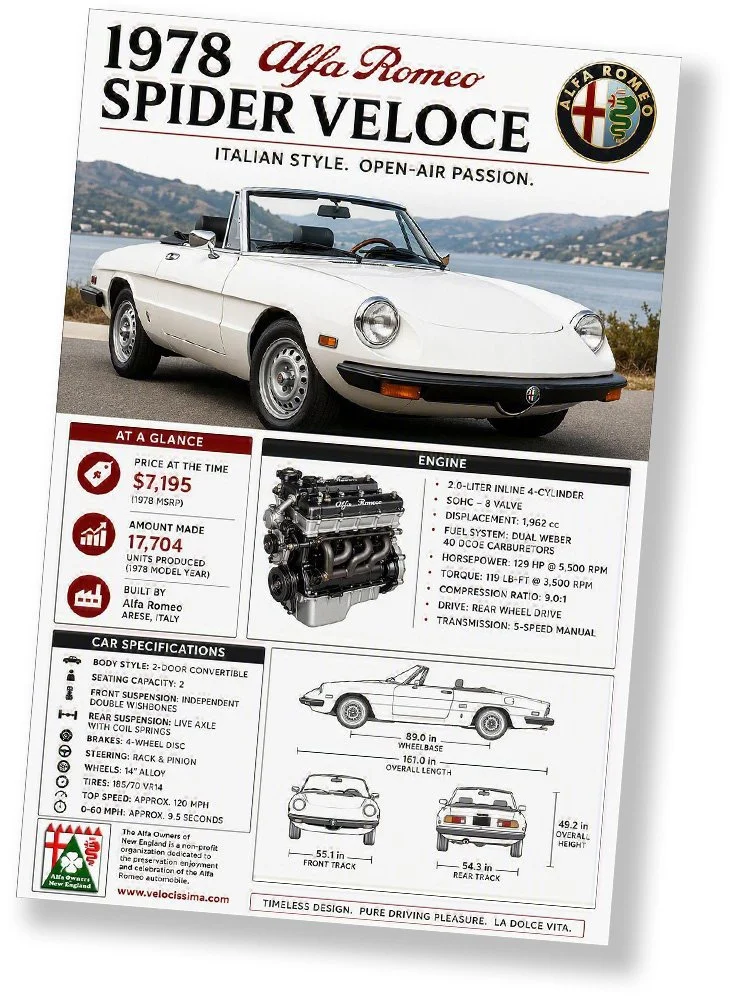
The final result (see below) wasn’t perfect where I wanted it (I was expecting the logo to be in the lower left corner of the car picture), but I can refine that later if necessary. If you want your poster to look similar to the one I have, you can download the final version below (right-click, save), upload it to your AI, and tell it to use that poster as a template.
All the best as you try this!
Chris
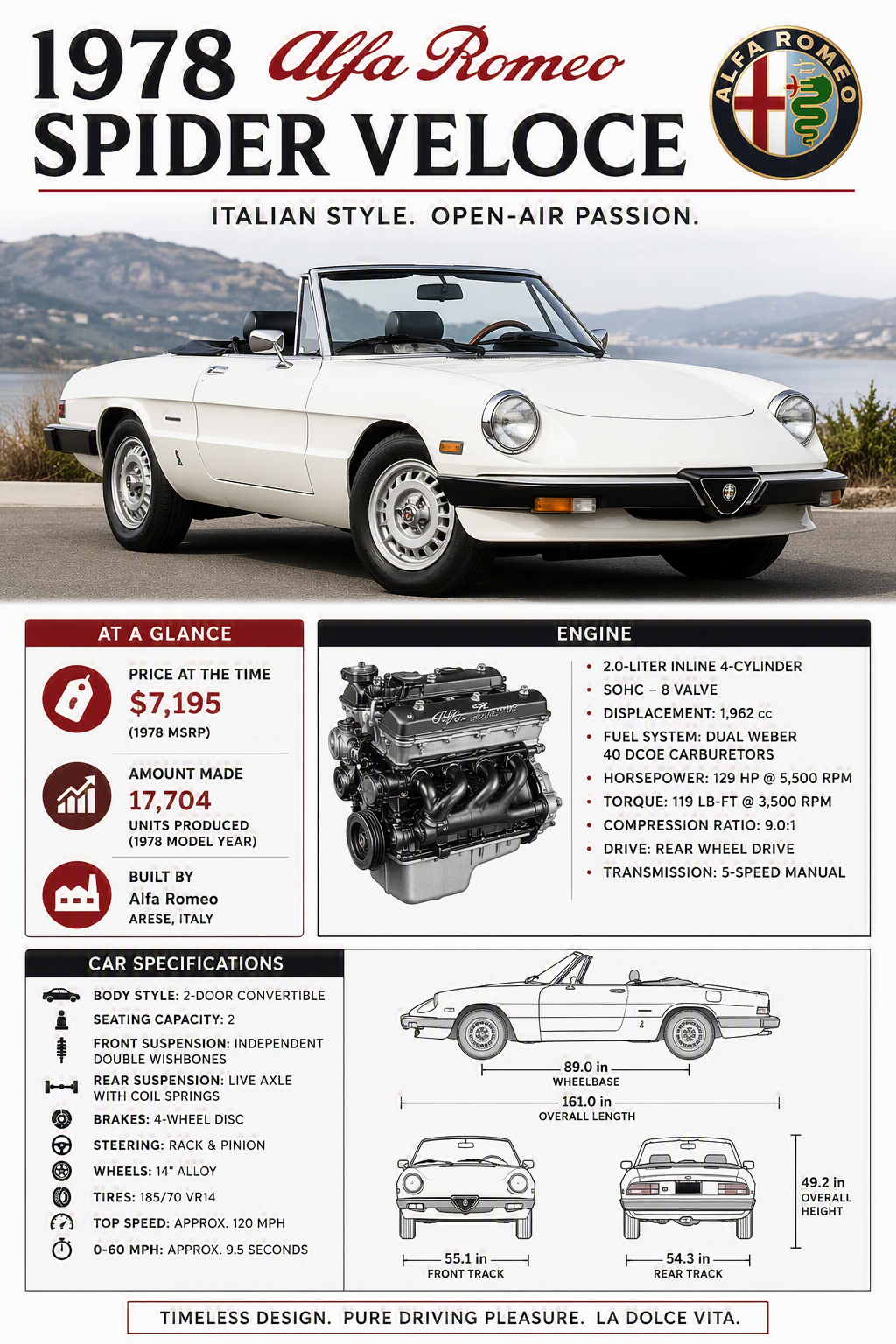
First Attempt
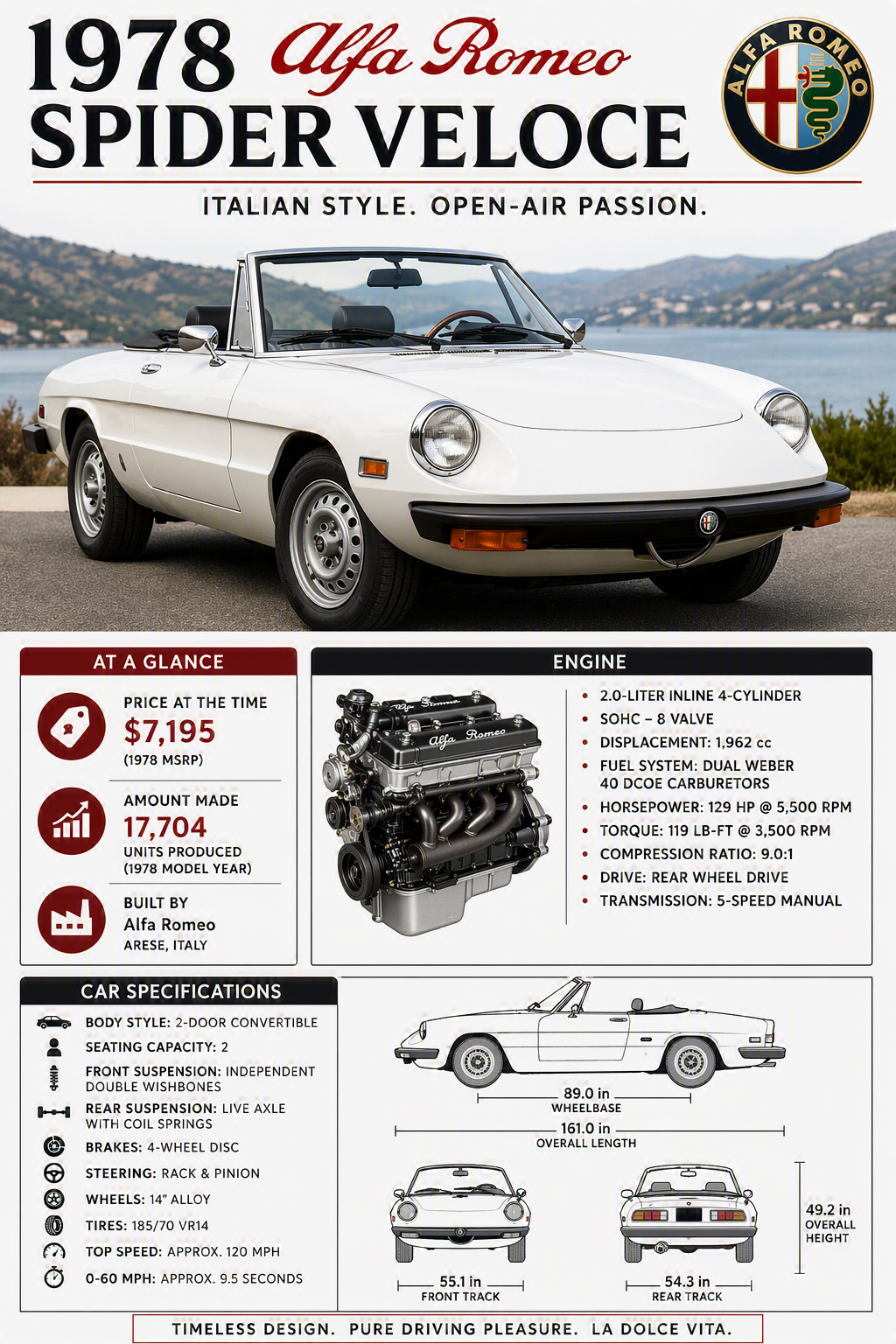
Second Pass
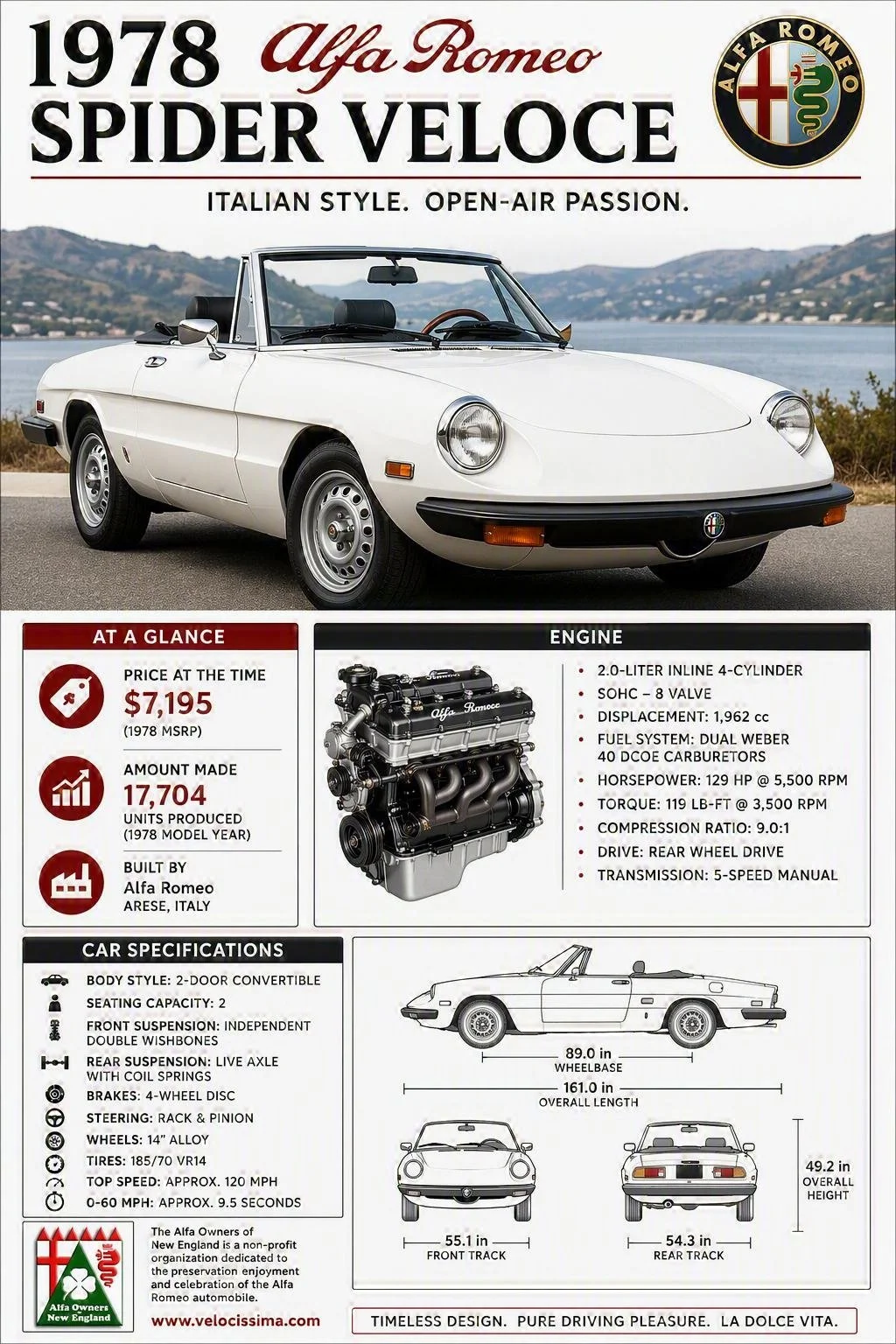
Final Poster